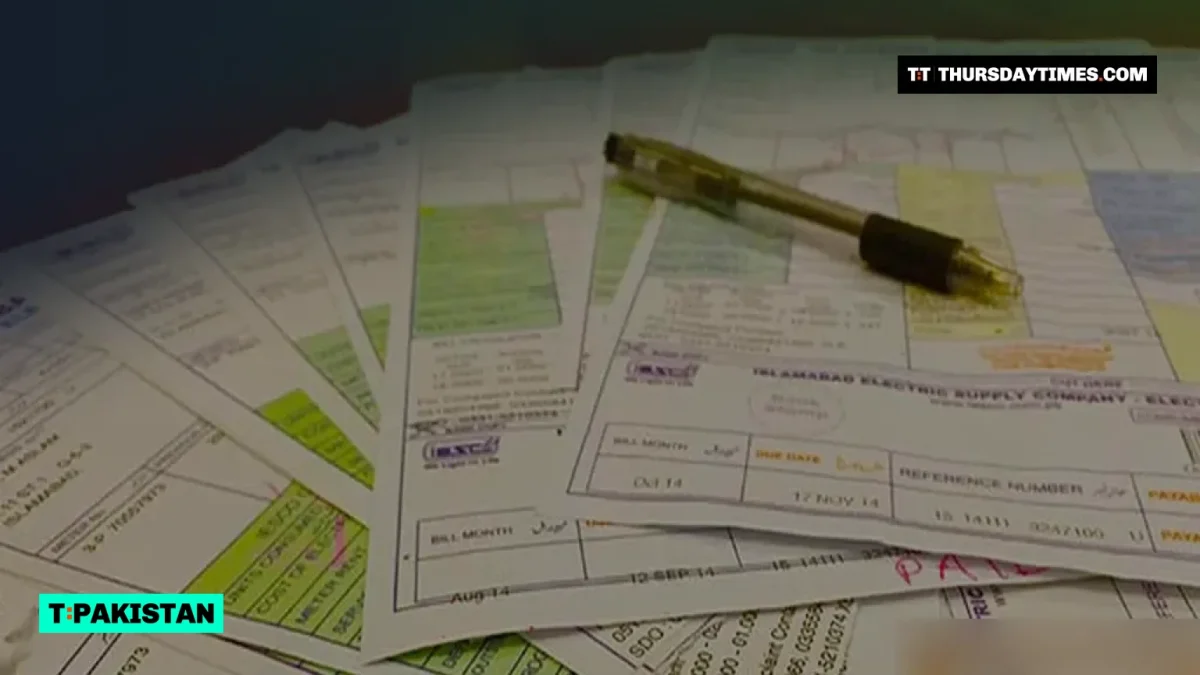
LAHORE (The Thursday Times) — If your electricity bill has not arrived, or you have lost it, you can pull up a copy online and print it yourself. The Power Information Technology Company, which runs the official web bill service for the country’s power distribution companiesOften called DISCOs. They are the regional companies, such as LESCO in Lahore and IESCO in Islamabad, that supply electricity and send consumers their bills., lists eleven of them. Here is how to get a duplicate bill, where to complain about one, and who is left out, based on the company’s own pages and IESCO’s website as of 29 November 2026.
Where the duplicate bill comes from
The web bill service lives at bill.pitc.com.pk. It is run by the Power Information Technology CompanyPITC, a company based at WAPDA House in Lahore. Its own pages say it supports the power distribution companies in assessing, billing, and collecting from power customers., or PITC, which describes the site as its official web bill portal. It lists eleven companies:
- LESCO (Lahore)
- GEPCO (Gujranwala)
- FESCO (Faisalabad)
- IESCO (Islamabad)
- MEPCO (Multan)
- PESCO (Peshawar)
- HAZECO (Hazara)
- HESCO (Hyderabad)
- SEPCO (Sukkur)
- QESCO (Quetta)
- TESCO (tribal areas)
IESCO’s own website sends customers to the same service. Its menu item Get IESCO Duplicate Bill opens the IESCO page on the PITC portal.
How to get a duplicate bill online
- Type bill.pitc.com.pk into your browser yourself and choose the company that sends you your bill.
- On the company’s search page, enter your reference number or your customer ID, which you can copy from an earlier bill.
- Type the code shown in the image on the page.
- Search, then download or print the bill.
- Pay it as the printout instructs. PITC describes the print-ready copy as one that can be paid at any branch, so check the payment details on the printout itself.
The portal asks for a reference number or a customer ID. The pages we reviewed do not describe a way to look one up without an earlier bill, so if you have none, ask your company through the helpline below.
How to make a complaint
PITC’s consumer-awareness page lists several ways to report a supply or billing problem without visiting a company office:
- The DISCO Light mobile app
- The online form at ccms.pitc.com.pk/complaint
- The DISCO website, disco.gov.pk
- The DISCO call centre on 118
- A text message to 8118 that includes your bill reference number, the nature of the problem, your mobile number, and your name
PITC says these channels give the complaint a computer-generated number, which is used to resolve it. Its complaint-handling page adds that you can complain orally or in writing, that writing is preferred because accurate details speed up the fix, and that you can attach relevant documents. It also lists the email address ccms@pitc.com.pk. If you are not satisfied with how a complaint was handled, you can write to the Head, Quality and Assurance, at qaccms@pitc.com.pk.
IESCO’s website lists the same helpline, 118, and the same text number, 8118. It also lists two apps for customers on the Google Play Store: Power Smart and IESCO Smart.
Register your CNIC against the connection
PITC also runs an occupant’s mobile and CNIC number registration portal at mnr.pitc.com.pk, which IESCO’s site lists as Electricity Consumer’s CNIC Number Registration. You start by entering your bill’s reference number. The form then shows the owner’s details and asks for the occupant’s details, an image of the occupant’s CNIC in JPEG, JPG, or PNG format of up to 1 MB, and the property status: whether you are the owner, have property documents, or do not have them.
| Task | Official channel | What you need |
|---|---|---|
| Get a duplicate bill | bill.pitc.com.pk | Reference number or customer ID, plus the code on the page |
| Complain online | ccms.pitc.com.pk/complaint or the DISCO Light app | Your bill reference number and a description of the problem |
| Complain by phone or text | 118 (call) or 8118 (text) | Reference number, the problem, your mobile number, and your name |
| Escalate a complaint | ccms@pitc.com.pk, then qaccms@pitc.com.pk | A written account of the complaint |
| Register your CNIC | mnr.pitc.com.pk | Bill reference number and the occupant’s CNIC image |
Karachi is not on the list
K-Electric, which supplies Karachi, is not among the eleven companies on the PITC portal. Karachi customers should use K-Electric’s own channels for duplicate bills and complaints.
Stay safe online
Type the address of the bill portal yourself rather than following a link in a message, and install apps only from the official store listings named above. Pay only as the bill itself or your distribution company instructs.
Frequently asked questions
How do I get a duplicate electricity bill?
Go to bill.pitc.com.pk, choose your distribution company, enter your reference number or customer ID and the code on the page, then print the bill.
Which companies does the PITC portal cover?
Eleven: LESCO, GEPCO, FESCO, IESCO, MEPCO, PESCO, HAZECO, HESCO, SEPCO, QESCO, and TESCO.
Can I get a duplicate bill for K-Electric on this portal?
No. K-Electric is not among the companies listed there.
What is the complaint number for electricity bills?
PITC and IESCO both list 118 for calls and 8118 for text messages. For a text, include your bill reference number, the nature of the problem, your mobile number, and your name.
What if my complaint is not resolved?
PITC says you can escalate it in writing to the Head, Quality and Assurance, at qaccms@pitc.com.pk.